
Madison County Case Lookup Through Portal
For a Madison County case lookup, start with the North Carolina Judicial Branch Portal at portal-nc.tylertech.cloud/Portal. The state also calls it the Enterprise Justice Portal. Madison County joined eCourts in Track 9, which went live on July 21, 2025. Anyone can search it as an anonymous user. No registration is needed. No account is required. Smart Search is the Portal's main tool. It reaches eligible Enterprise Justice records across the state. Even so, the Madison County Clerk of Superior Court still keeps the county file itself.
Using it is simple. Pick Smart Search from the home screen. Type in a case number or a party name and submit. The results lead you to a public Case Summary for the matter you want. The Portal will not hand you every paper record. It cannot issue a certified copy either. Still, it is the right first stop for a Madison County docket search online.
The Portal training and resources page is the state's official channel for guidance on the current Portal workflow. It explains how the public search and Case Summary screens work.
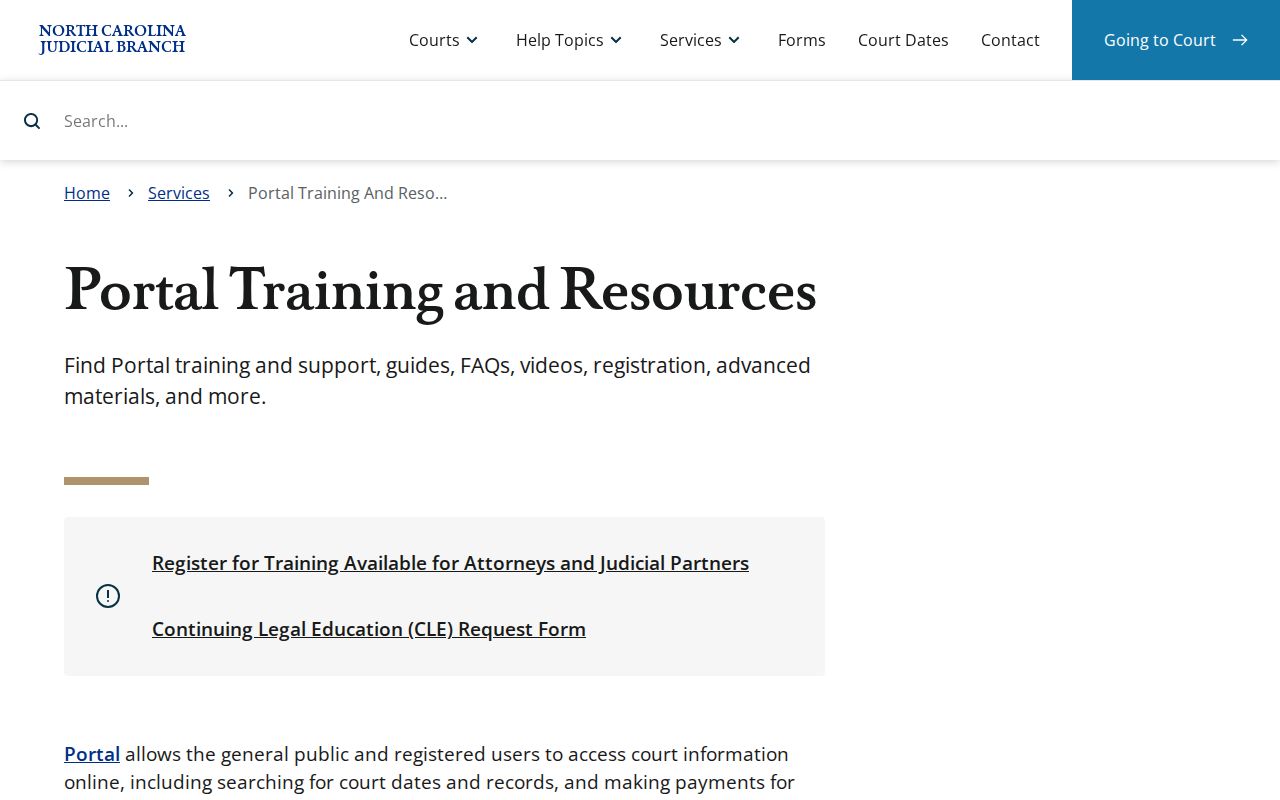
Use the training pages to learn the controls. When a real question about a specific Madison County file comes up, trust the actual search result and the Clerk record.
How to Search Cases by Name
Smart Search wants names entered last name first. Start with the most exact public information you have. Broad results can then be trimmed with Advanced Filtering Options. The Portal shows no more than 200 results. A common name often needs a location, case type, status, or filing date filter before the right Madison County entry stands out. A Madison County location filter helps most when a name pulls statewide matches.
- Open Portal and select Smart Search.
- Enter the name in last-name, first-name order and select Submit.
- When needed, open Advanced Filtering Options and select Madison County as the location.
- Add a public case type, status, or filing-date range that fits the known matter, then submit the refined search.
- Open an underlined case number only after the displayed result matches the available case information.
| Smart Search field | Type | Required | Format or purpose |
|---|---|---|---|
| Record Number or Name | Text | One basic criterion | Use a case number or a last-name, first-name entry. |
| Location | Filter | Optional | Choose Madison County to narrow statewide matches. |
| Search Type | Dropdown | Optional | Includes case number, business name, citation number, and other portal choices. |
| Party criteria and DOB | Filters | Optional | Public results mask month and day of birth as xx/xx and display the year. |
| Case type, status, filing date | Filters | Optional | Use only filters that fit the known case to avoid incomplete results. |
Madison County Case Lookup Results Open Case Summary
In Smart Search, an underlined case number is the link to the public Madison County Case Summary, also called the Register of Actions. Open the result rather than stopping at the list. Only then do the case level sections appear. Portal user materials call the summary a public account of docket entries drawn from the Clerk's official record.
Write down the case number, division, and type before you check dates. A Case Summary may include a Hearings block. Even so, a current court date is better confirmed through Search Hearings and the matching Madison calendar. The two searches answer different questions.
How to Search by Case Number
A full Madison County case number is usually the quickest Smart Search entry. The Enterprise Justice format shown in the Portal guide uses a two digit filing year. Case type letters follow, then a six digit sequence, a hyphen, and a three digit county identifier. The guide's non person example is 21CR000007-910. That one is a system sample only. Its ending should not be read as a Madison County suffix.
In that documented model, the letters CR mark a criminal code. Older civil codes include CVD for Civil General, CVM for Civil Magistrate, CVS for Civil Superior, T for Civil Transcript, M for Miscellaneous Civil Judgments, R for Registration, and E for Estates. Check the true county identifier in the case record. Or confirm it with the Clerk before copying any example ending.
Madison County Case Lookup Number Structure
The four part structure helps you spot a missing character. That comes in handy before assuming a case is absent from Portal. The first two digits give the filing year. Type letters classify the record. Six digits form the sequence. The last three are the county identifier in the documented Enterprise Justice pattern. Even a correct number does not guarantee public visibility, since access rules attach to the record itself.
- Case type
- The letter code used to classify the court record, such as the documented CR or civil legacy codes.
- Sequence
- The six-digit number in the Portal pattern that distinguishes the individual record in its type/year series.
- County identifier
- The three-digit final portion in the documented format. Confirm it from the record or Clerk for a Madison case.
Note: A number that looks incomplete is a reason to recheck the source document and the Portal format before treating a no result message as a case conclusion.
What a Case Search Shows
Which sections a Madison County Case Summary shows depends on the record type and the public information stored in Enterprise Justice. Portal training lists Case Information, Assignment Information, Party Information, Case Events, Dispositions, Hearings, Financial Information, and any available public Documents. Causes of Action appear for civil, family, probate, or mental health cases only, not every type.
| Case Information | Available basic case-level information, including the case number and type. |
|---|---|
| Assignment Information | Available court or assignment information for the case. |
| Party Information | Public party information subject to redaction and access limits. |
| Case Events | Chronological docket activity. A past event is not automatically a current court setting. |
| Dispositions and financial information | Available outcome or financial sections when Portal has information to display. |
| Documents | Public documents available in Enterprise Justice, not every filed or paper document. |
For the paper or certified record behind an entry, the Madison County Clerk holds the official court file. A Portal summary is useful case information, but it is not a Clerk authenticated copy.
Madison County Case Lookup and the 200-Result Limit
The Portal caps results at 200. When a Madison County name or other basic term hits that ceiling, add filters instead of scrolling a statewide list as though it were complete. Madison County location, a known case type, a fitting status, and a filing date range are the documented ways to sharpen the search.
Match the case status filter to the type you chose. Portal offers distinct public choices for civil records and for criminal or infraction records. A narrow search can pin down a public record faster, though it never changes the access rule for sealed, confidential, or restricted material.
Madison County Case Lookup Wildcard Rules
Wildcards work in the Portal, but only under fixed rules. For a case number, type at least four characters and then an asterisk. Business and nickname searches follow the same pattern: four characters minimum, asterisk at the end. Names get their own split. A last-name wildcard takes three letters plus the asterisk. A first-name wildcard takes just one letter plus the asterisk.
One caution from the Portal guide is worth heeding. The advanced Party Name selection looks like a workaround for a broad Madison County docket search. But it trims results and ignores wildcards entirely. Stick with the basic name search and its documented rules. If the results sprawl, narrow them with the Madison County and case filters instead.
County vs Statewide Case Search
Madison County has no separate standalone database for its court docket. The Portal covers every participating eCourts county statewide. Madison sits inside it as a location filter. So the first search channel is the same Portal either way. The only real choice is scope. Leave Location broad, or narrow it to Madison for a county-only docket search. When the Portal can't answer, the Clerk remains the local fallback for a Madison case file.
| Portal statewide search | Madison County-focused search | Madison Clerk channel |
|---|---|---|
| Searches eligible eCourts information across participating locations. | Uses the Location filter to reduce the search to Madison County. | Confirms a public county file, paper record, or unavailable-result question. |
| Useful when the county is not yet known. | Useful when the case is known to be in Madison. | Needed for certified copies and files that remain paper. |
| Shows available public case information. | Shows the same public Portal data with a county focus. | Holds the official court record under the unified Clerk structure. |
Madison County Case Lookup Registration Boundary
No account is needed for anonymous public Smart Search. Registration unlocks My Cases, and that is roughly where its benefits stop. Signing up does not open sealed, confidential, or other restricted record types. Elevated access exists. But only people with legal authority and a verified business need can get it, under the Portal's own access rules. That is why a public case summary can appear while its underlying documents stay hidden. Creating an account never unlocks a sealed, sensitive, juvenile, or otherwise restricted matter.
Madison County Case Lookup Judgment Index
NC Judgment Search is its own reference index inside the Portal. Search it by party name or case number. Then filter by case type, status, location, or judgment date. Results can show the case number and disposition status. The index date and time, parties, and judgment comments appear too. Keep the limits in mind, though. It is an index, not the full or current case record. For disposition and financial details, run Smart Search and open the Case Summary. The Portal guide notes that index totals carry original judgment-date amounts. Those totals may miss later activity. Treat a judgment-index hit as a lead, never as the complete docket.
Madison County Case Lookup After Track 9
Track 9 moved Madison County onto Enterprise Justice on July 21, 2025. The Portal became the public route to indexes, abstracted case information, and available case documents. The old applications first shifted to inquiry-only mode. The county waited for the new system in the meantime. Switching systems did not scan history into images. Paper documents that existed at go-live stayed where they were, in the Clerk's Office. The Track 9 transition timeline lays out the full schedule behind that move. The official page behind it is a solid source for the dates shaping Madison's current case-search channel.
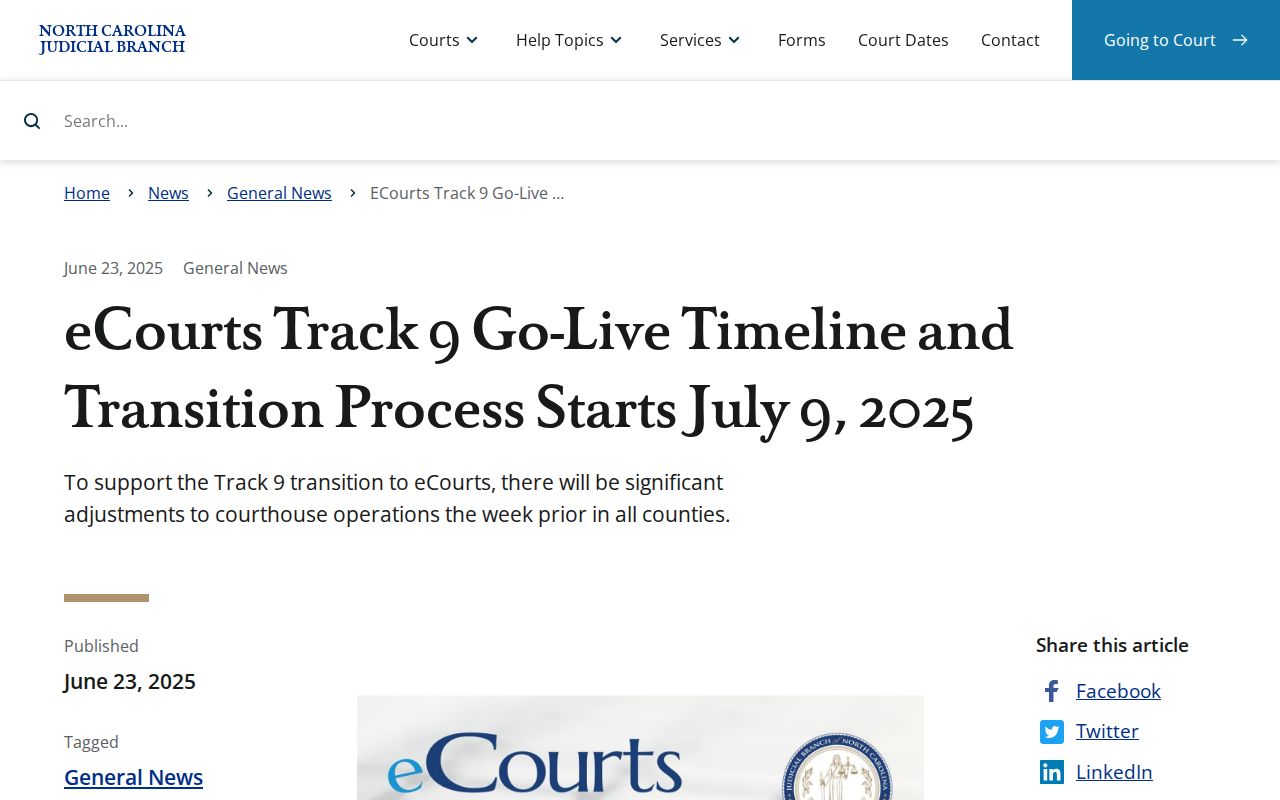
That timeline is why a Madison case can live in two places at once: Portal information here, a Clerk paper file there.
Restricted Cases and Access Rules
The Portal does not show everything. Sealed or confidential records, plus documents holding sensitive information, are excluded from ordinary public viewing. The documented restricted categories include unreturned criminal warrants, juvenile records, protective-order records, and certain non-domestic restraining-order matters. Domestic-violence protection orders are restricted as well. So are confidential special proceedings such as name changes and involuntary commitments. A blank result can also mean a formatting problem. Or it can mean a case that simply does not exist.
When a Madison County search comes up empty, check the format and filters first. Then contact the Madison County Clerk of Superior Court for the county where the case resides. Never assume a restricted record is public, nonexistent, or reachable through Portal registration. The Track 9 eCourts launch release confirms Portal as Madison's public channel. Its official page gives the statewide rollout context for county access.
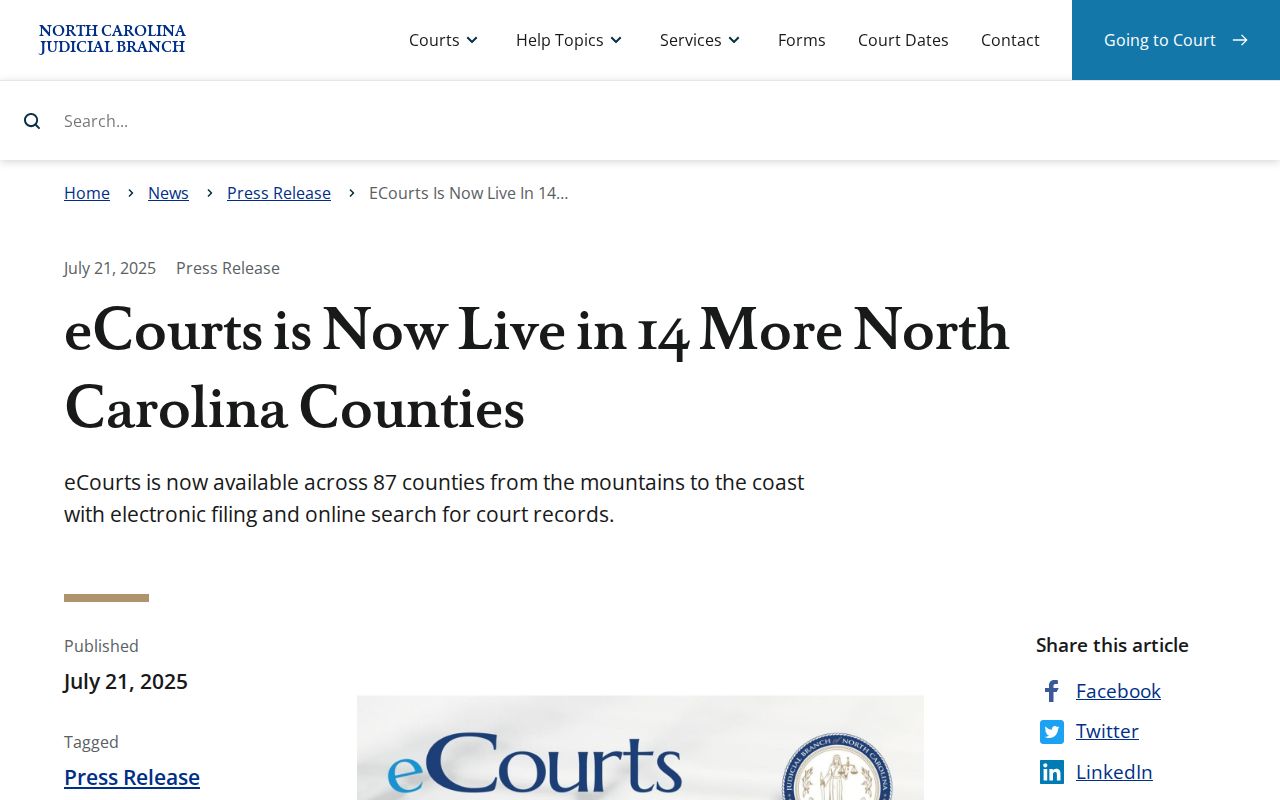
Joining the statewide system did not erase the rules. Portal access still bends to the public-access limits attached to each case and document.
Madison County Case Lookup Is Not File and Serve
File & Serve is a different tool with a different job. It is the eFiling channel for eligible document submission. Filers can submit documents and get fees calculated. They receive a file-stamped copy after Clerk acceptance, and get status emails. None of that helps you browse an existing Madison County case record. Public lookup belongs to Smart Search. Save File & Serve for the filing function it actually provides. North Carolina File & Serve is the official filing landing page. Its official screen shows how the eFiling route differs from the public Portal search.
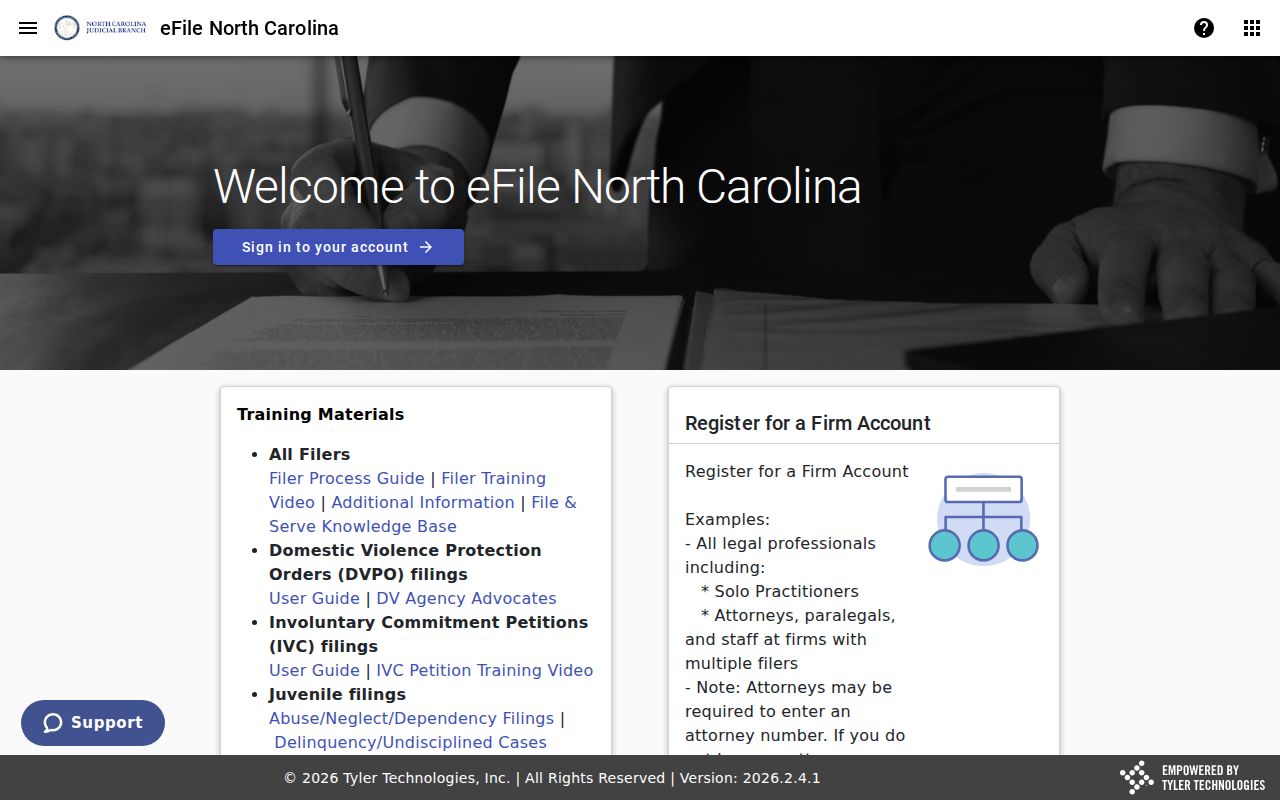
Keeping the two channels straight stops a filing screen or account page from being mistaken for a public case-summary search.